
Requesting Access and Viewing Business Listings

This page explains how buyers request access to a business and what becomes available once access is approved by the founder.
Why Access Is Required
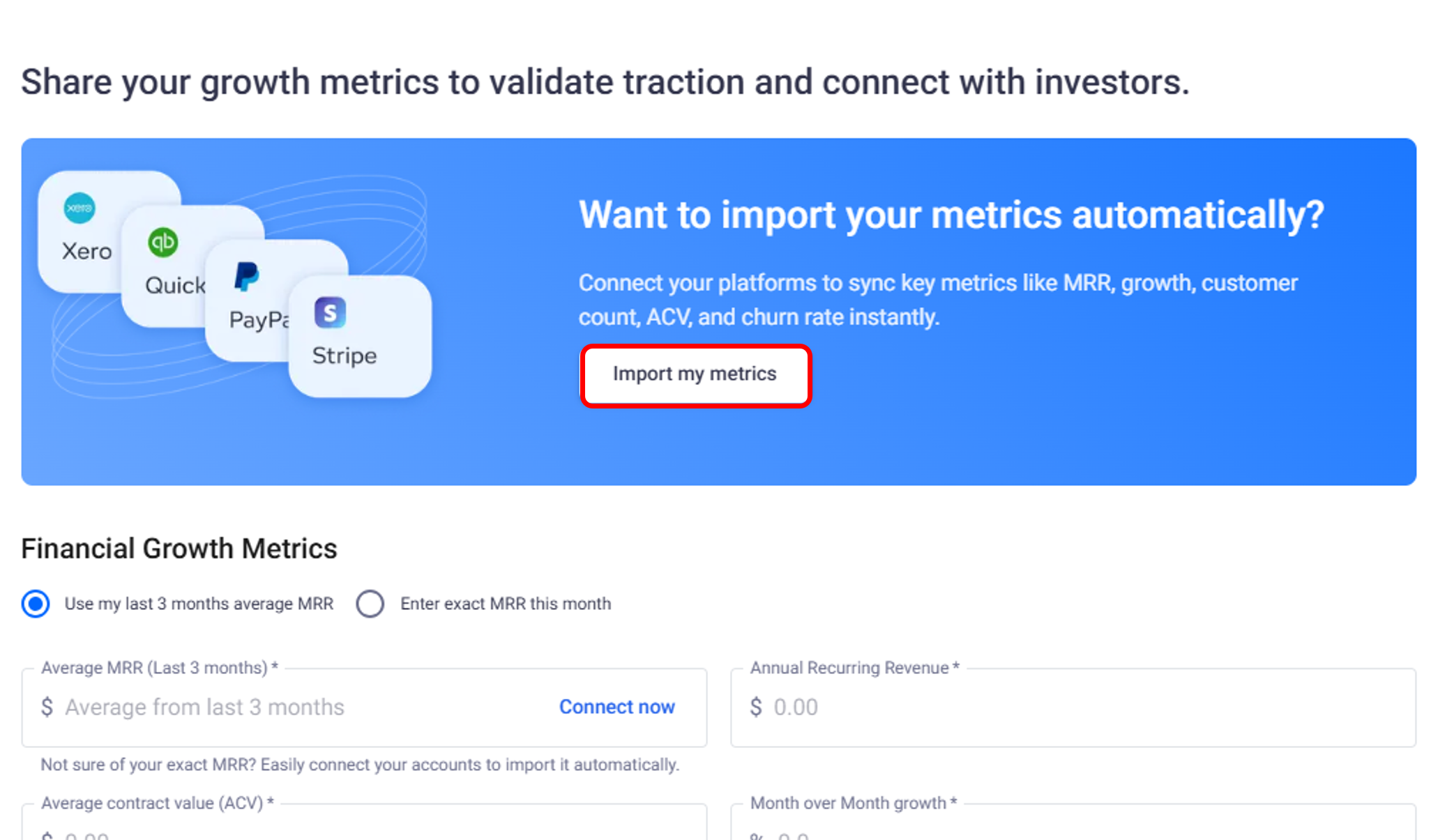
All businesses in the M&A marketplace are protected by an access approval process.
Before access is granted:
Listings remain anonymized.
Sensitive information is hidden.
Founders retain full control over who can view details.
As a buyer, requesting access is the step that signals serious interest.
How to Request Access to a Business
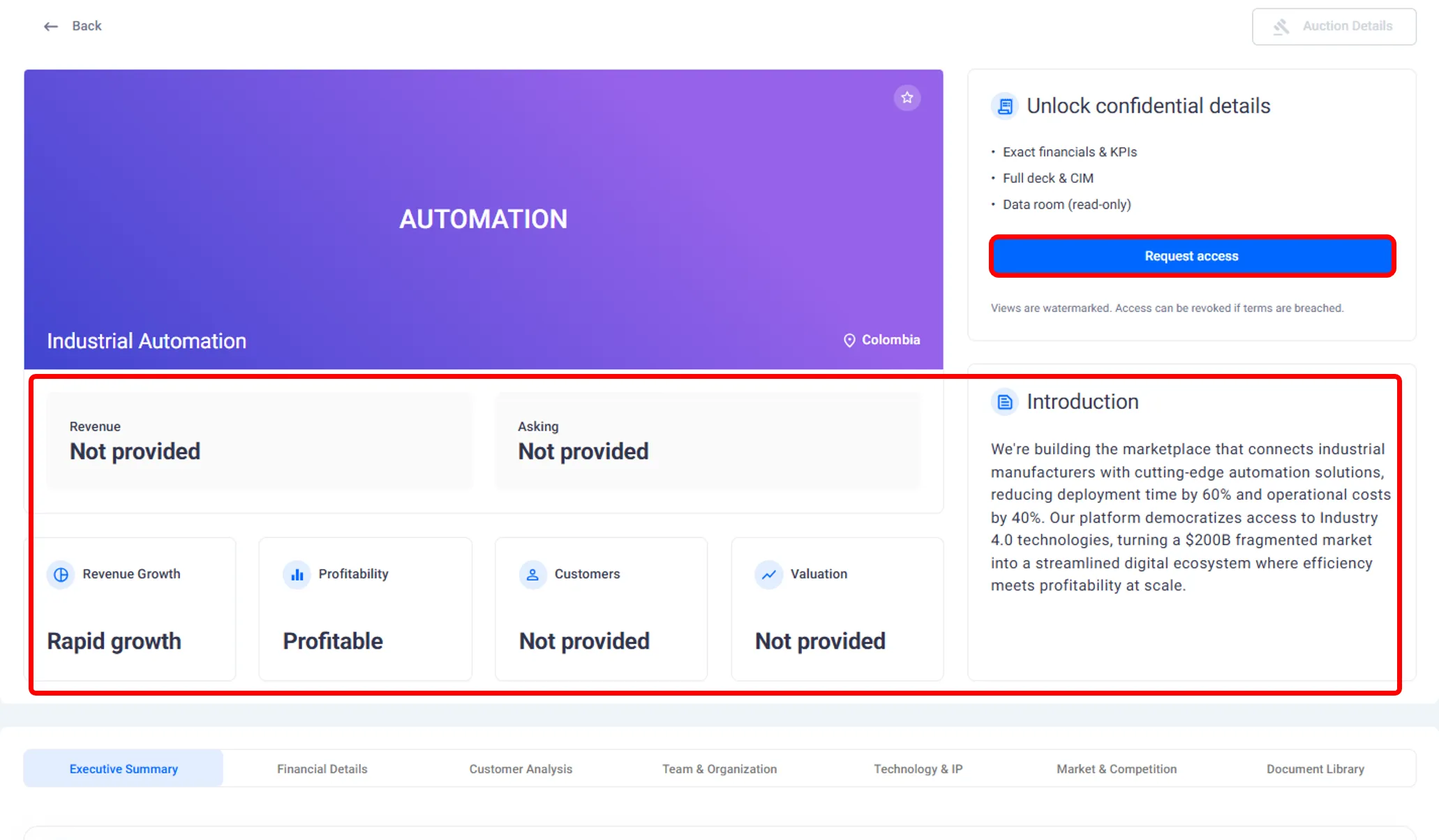
When you find a listing you want to explore further, you can submit an access request directly from the marketplace.
When requesting access, you are asked to:
Provide a short explanation of your interest.
Accept non disclosure terms.
Submit the request through the platform.
Once submitted, the request is sent to the founder for review.
What Happens After You Submit a Request
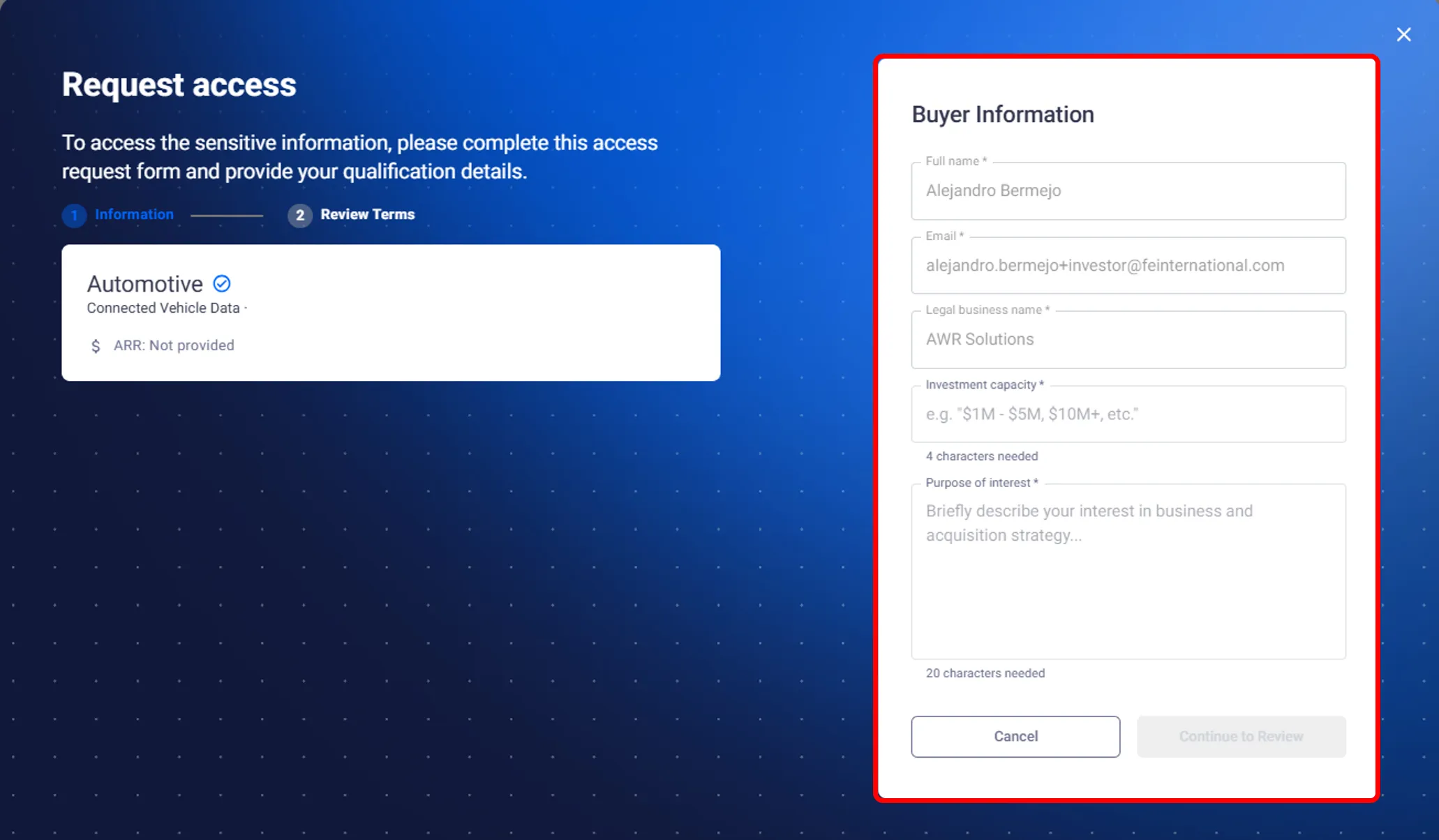
After submitting a request:
The listing remains anonymized for you.
The founder reviews your request and message.
You are notified once a decision is made.
There is no automatic approval. Each request is handled individually by the founder.
Viewing a Listing After Access Is Approved
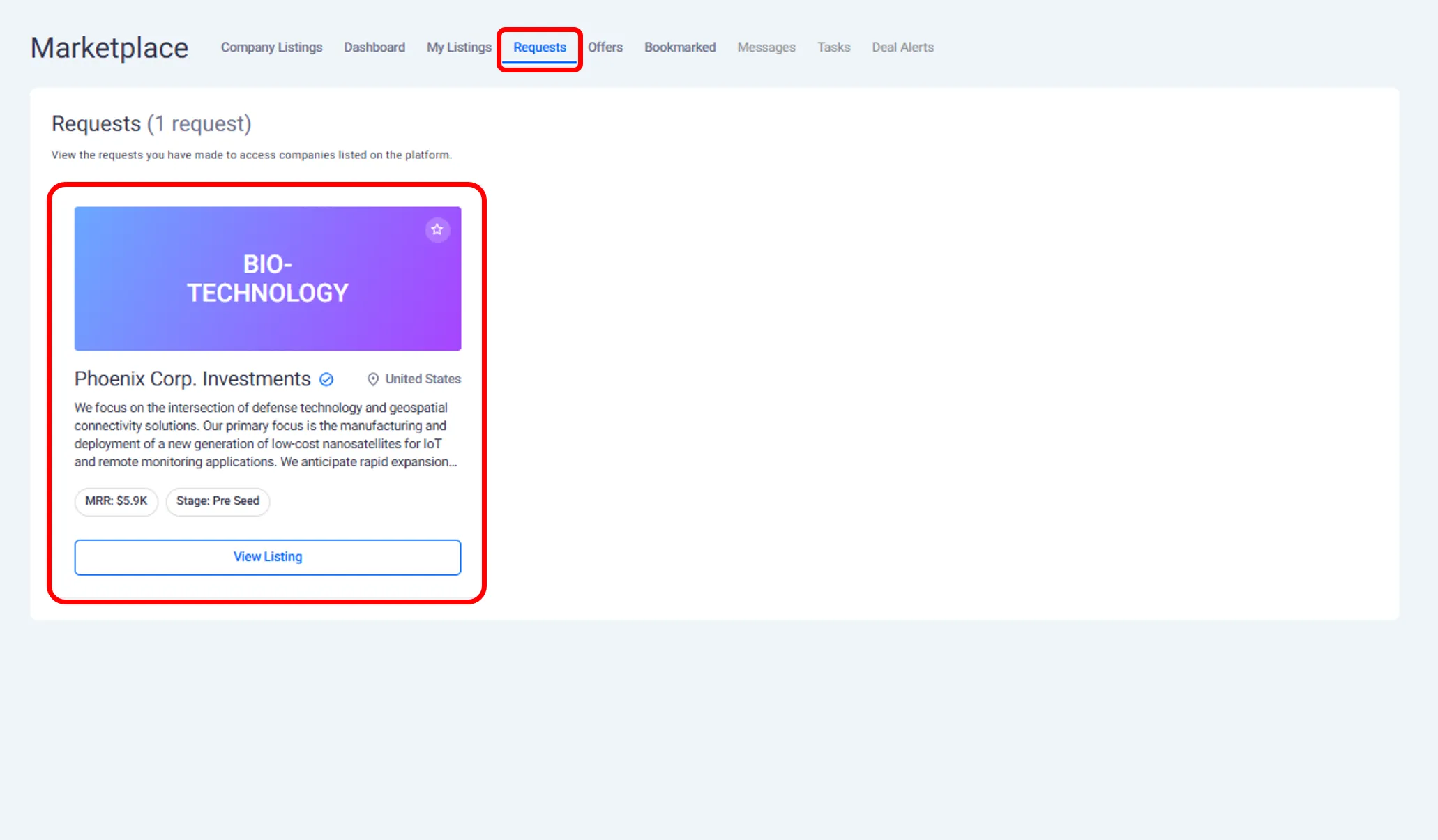
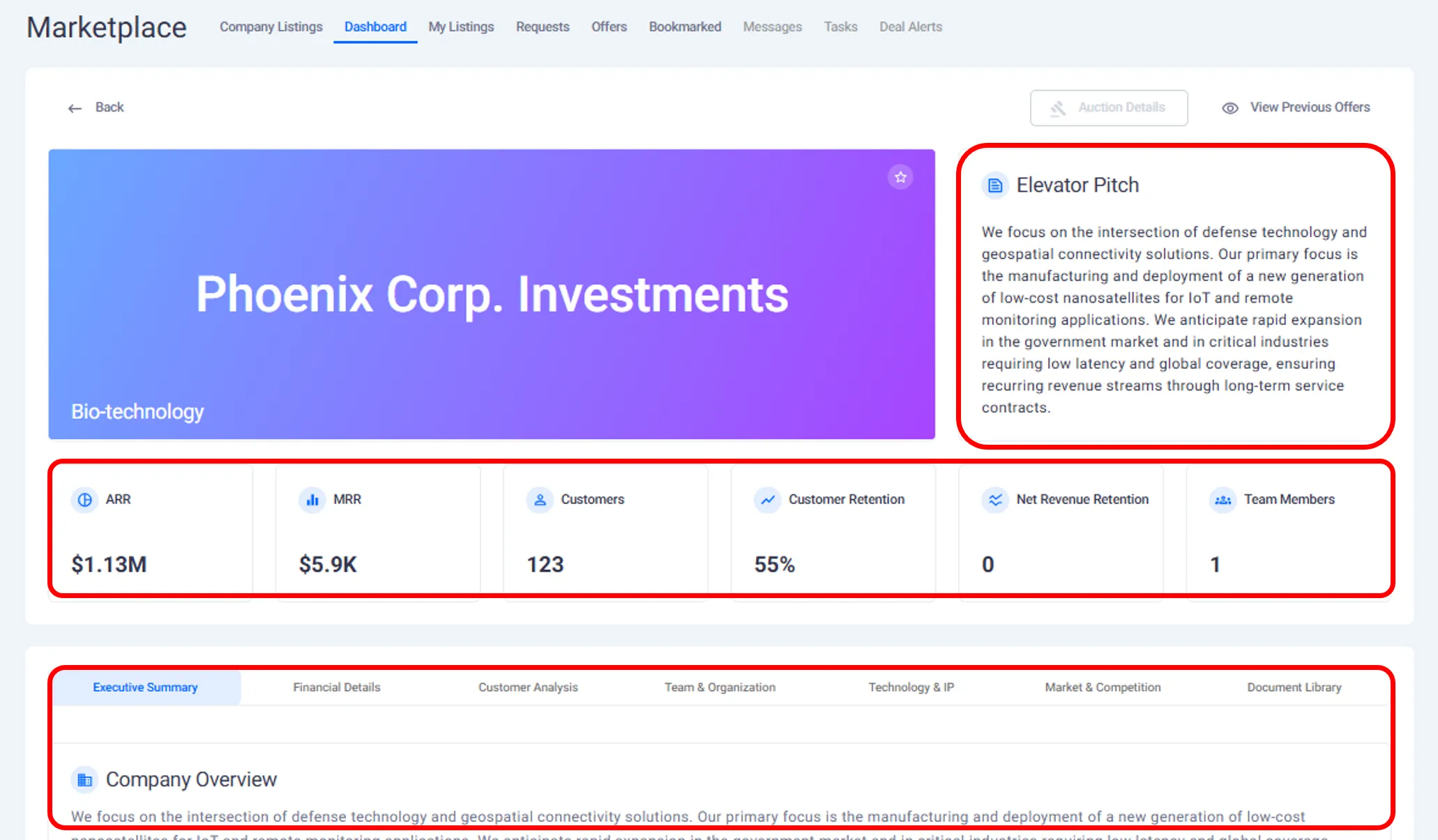
If the founder grants access, you can view the full business listing.
This includes:
The complete company description.
Financial and revenue information.
Customer and market details.
Team and organizational information.
Technology, IP, security, and compliance details.
Documents uploaded by the founder.
All information becomes visible inside the platform without needing external communication.
Returning to Approved Listings
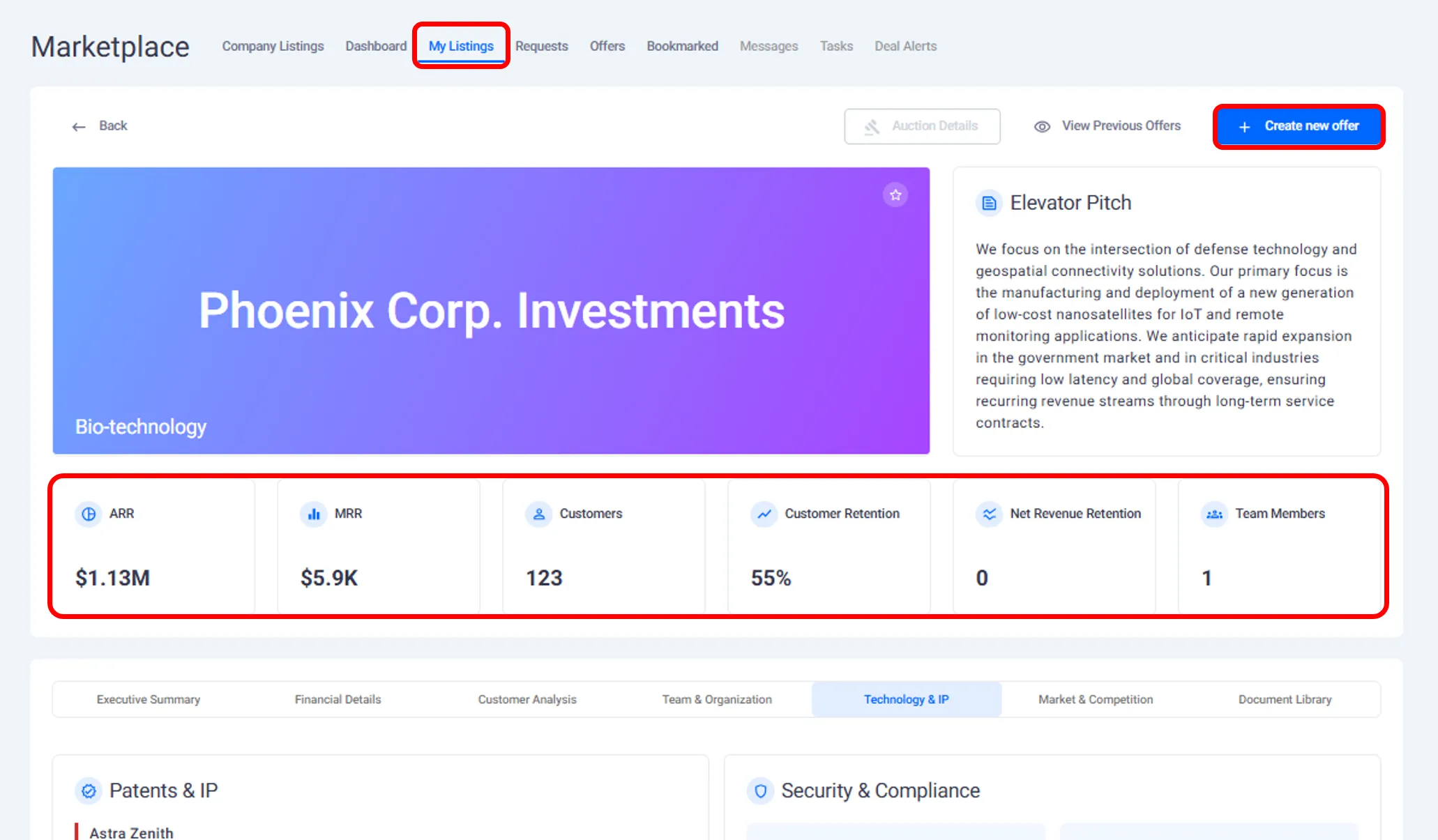
Once access is granted, the listing remains available to you unless the founder removes access.
You can:
Return to the listing at any time.
Review documents again.
Revisit details before making an offer.
Approved listings are accessible from your dashboard and listings view.
Managing Multiple Access Requests
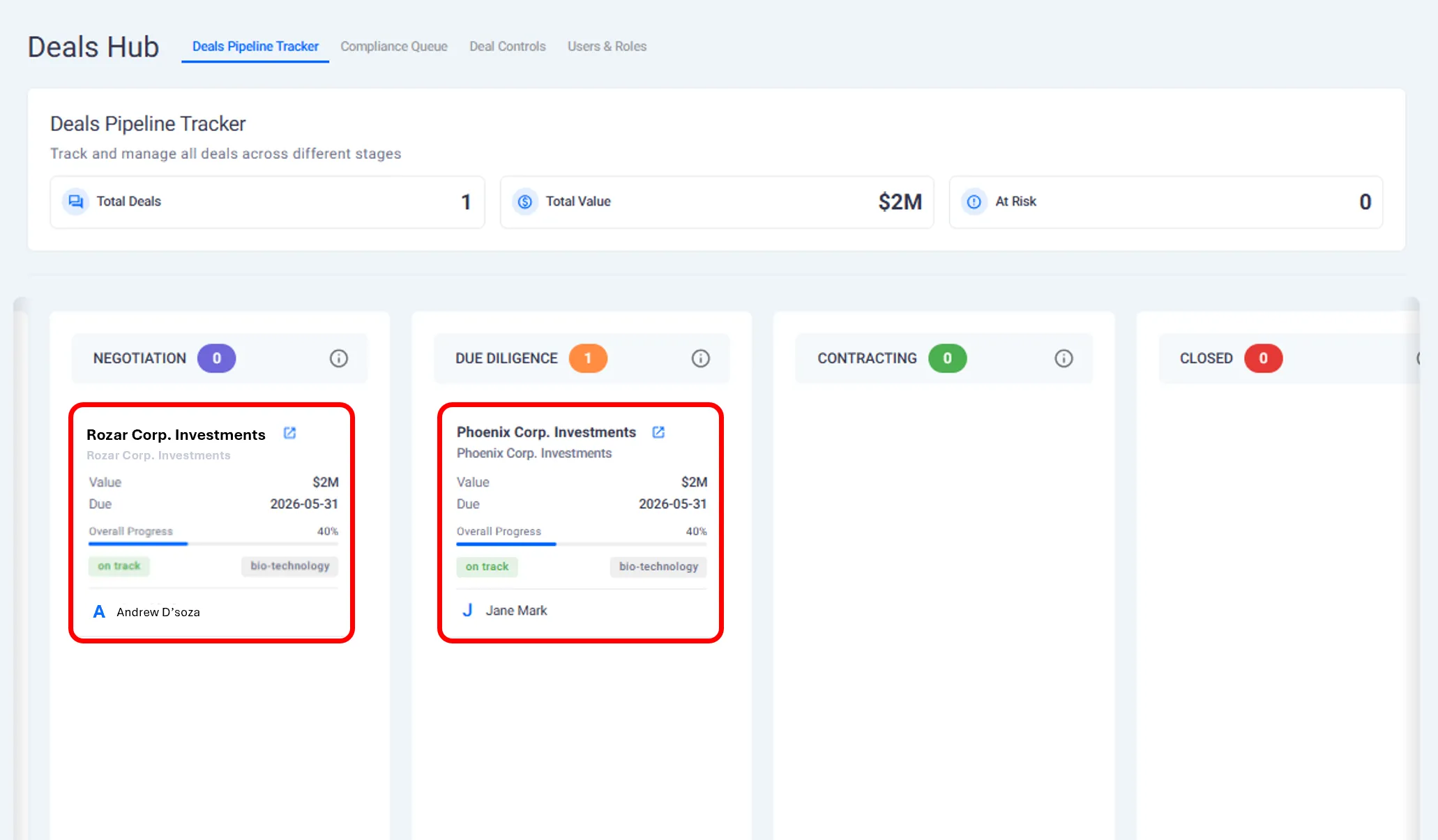
If you have requested access to multiple businesses:
Each request is tracked separately.
You can see which requests are pending.
You can see which listings you have access to.
This helps you manage interest across multiple opportunities.
What This Page Covers and What Comes Next
This page explains:
How access requests work.
What buyers see before and after approval.
How to manage approved listings.
The next page explains how buyers submit offers and letters of intent.
Need help?
Contact our support team and get the help you need.

.webp)