
Creating and Managing a Business Listing

This page explains how founders create, publish, and manage a business listing in the FE International M&A tool. Your listing is the foundation of all buyer interactions and determines how investors evaluate your business.
.webp)
What a Business Listing Is
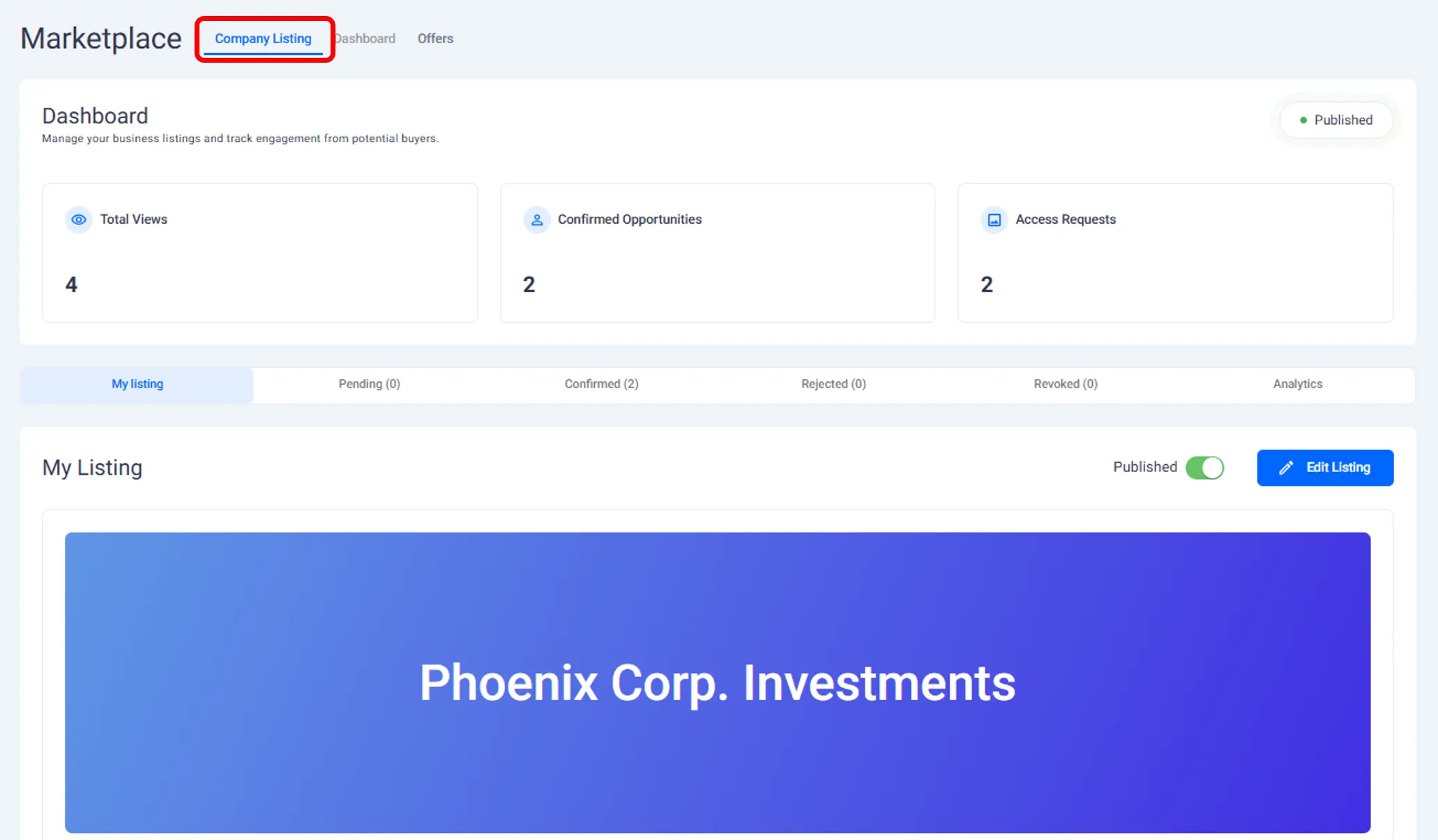
A business listing is a structured profile of your company inside the M&A marketplace. It contains the information buyers need to understand your business at a high level before deciding whether to request access and move forward.
Your listing is created by completing a guided form inside the platform. The information you provide is used to generate a clear and consistent presentation of your business for buyers.
Information Included in a Listing
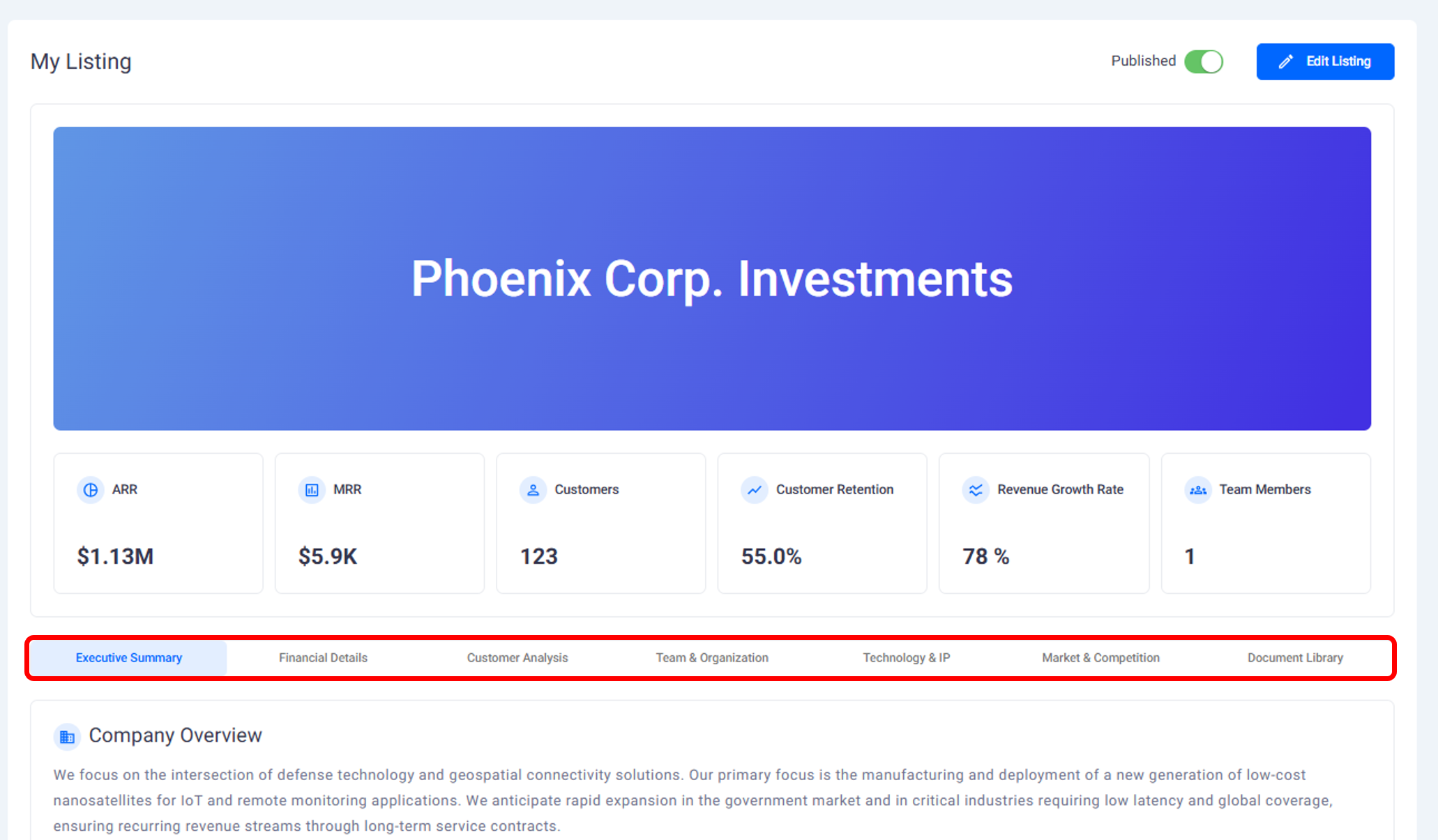
When creating a listing, you are asked to provide details across several sections. These sections reflect what Alejandro demonstrated in the walkthrough.
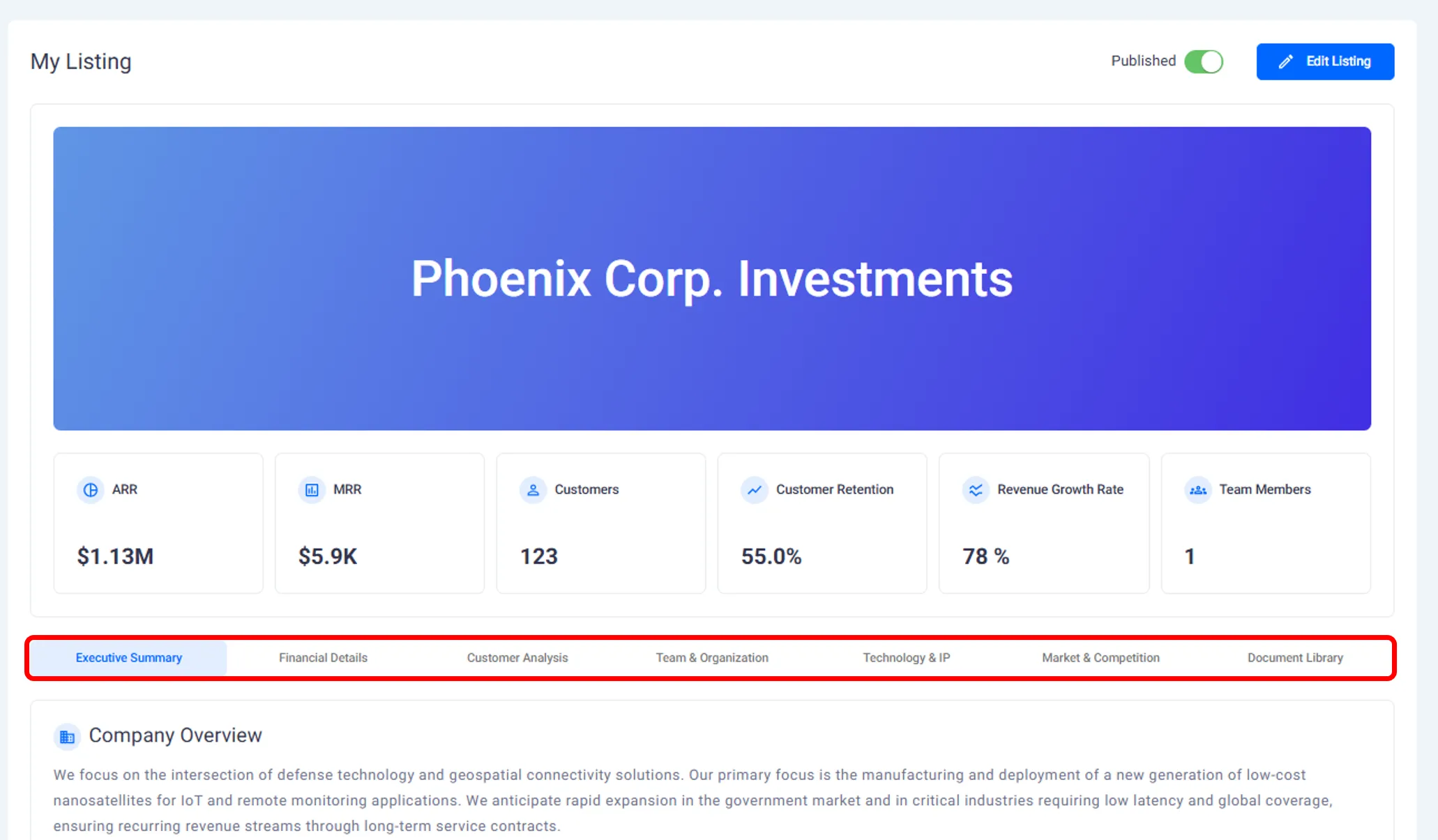
Your listing includes:
Company overview
A company description that is generated with AI using the information you submit. This helps standardize how businesses are presented to buyers.Financial and revenue data
Core metrics and historical information that help buyers assess performance.Customer and market analysis
Information about your customers, target market, and positioning.Team and organization
Details about team members, roles, and company structure.Technology, IP, and compliance
Information related to your technology stack, intellectual property, security practices, and compliance.Supporting documents
Files that you choose to upload to strengthen your listing and provide additional context.
All information is entered through the listing form and can be updated over time.
Drafting and Reviewing Your Listing
You do not need to publish your listing immediately.
As a founder, you can:
Fill out the listing form gradually
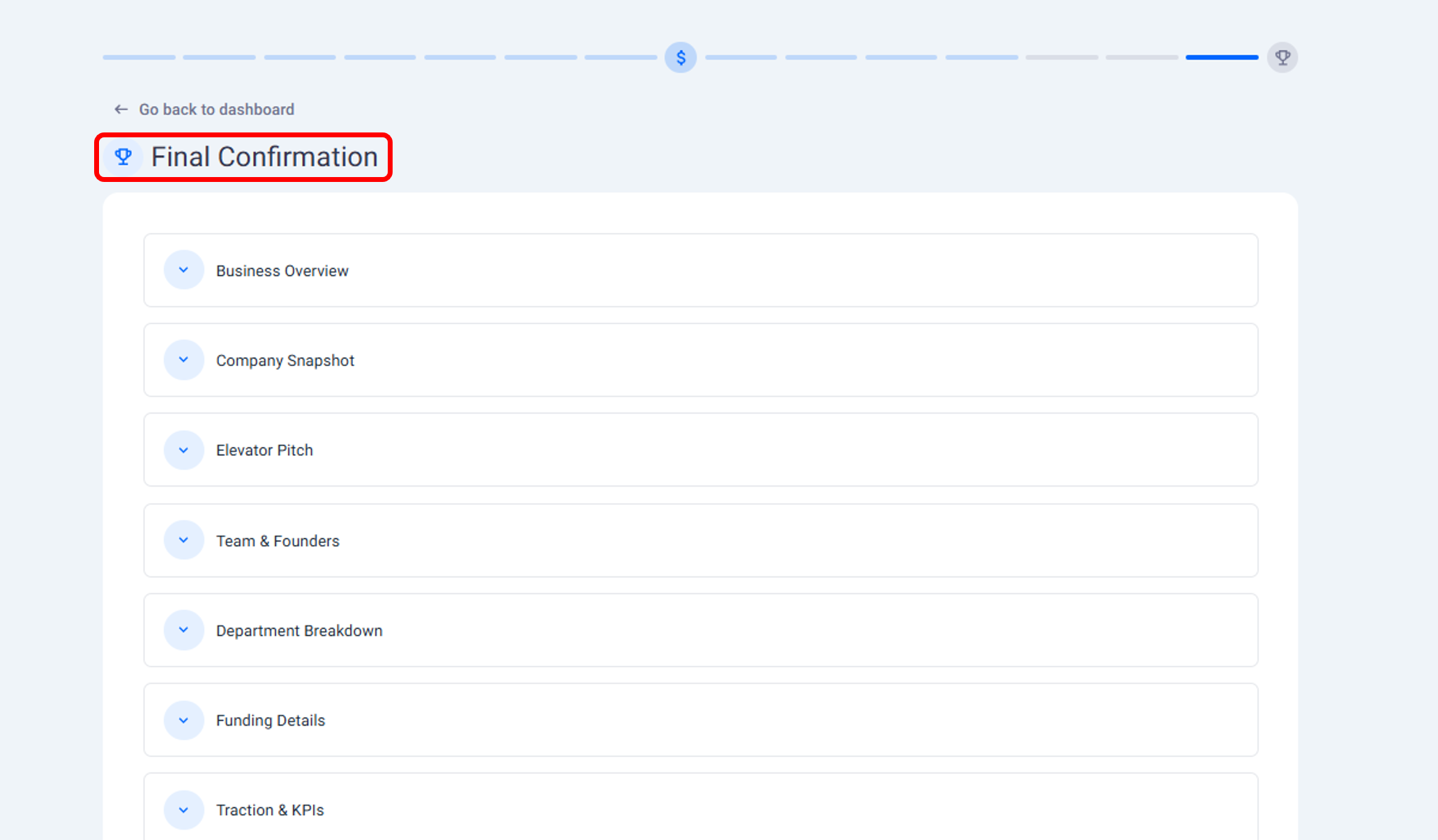
Review all sections before publishing
Make changes as needed
This allows you to prepare your listing carefully before it becomes visible in the marketplace.
Publishing and Unpublishing a Listing
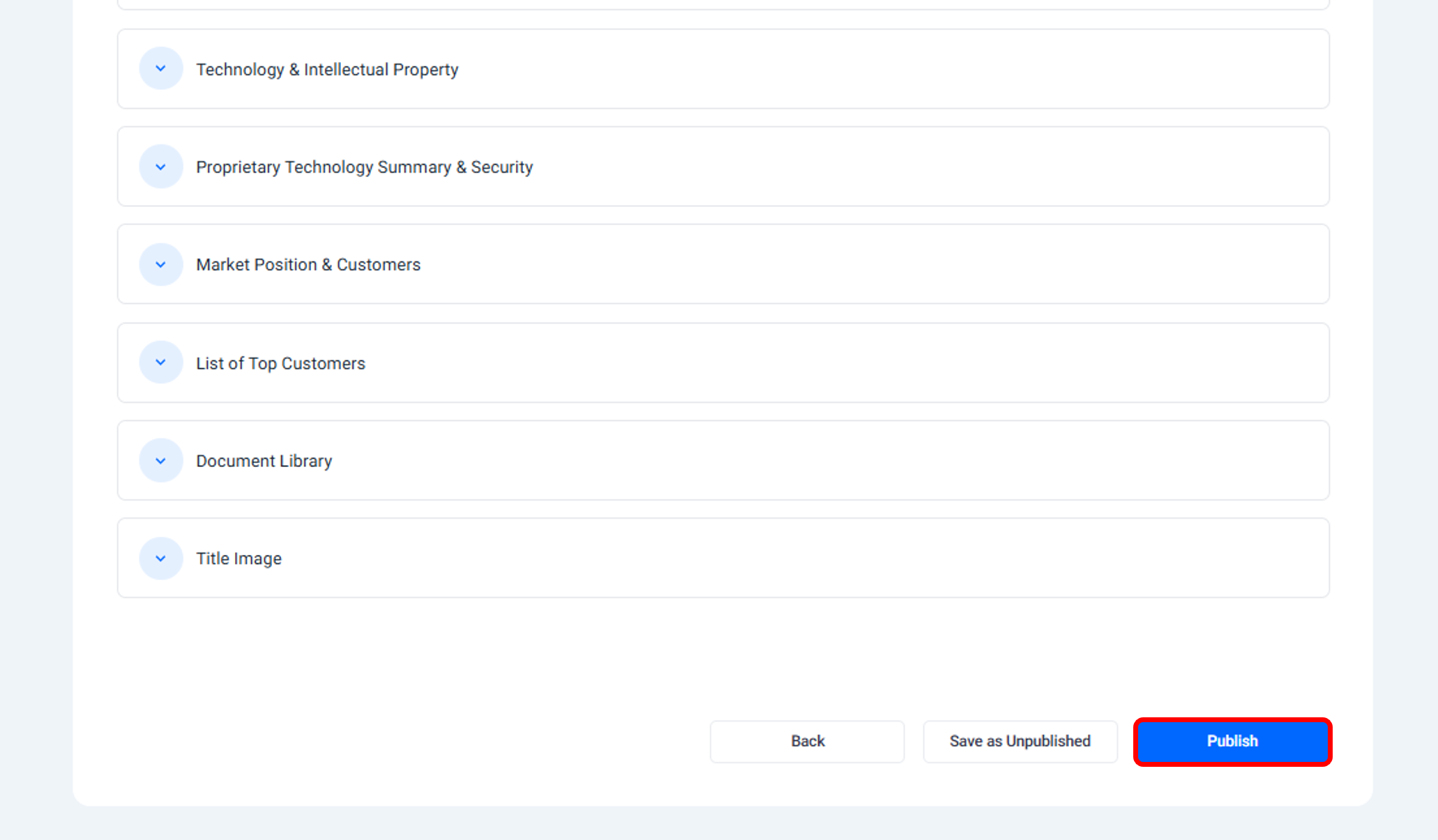
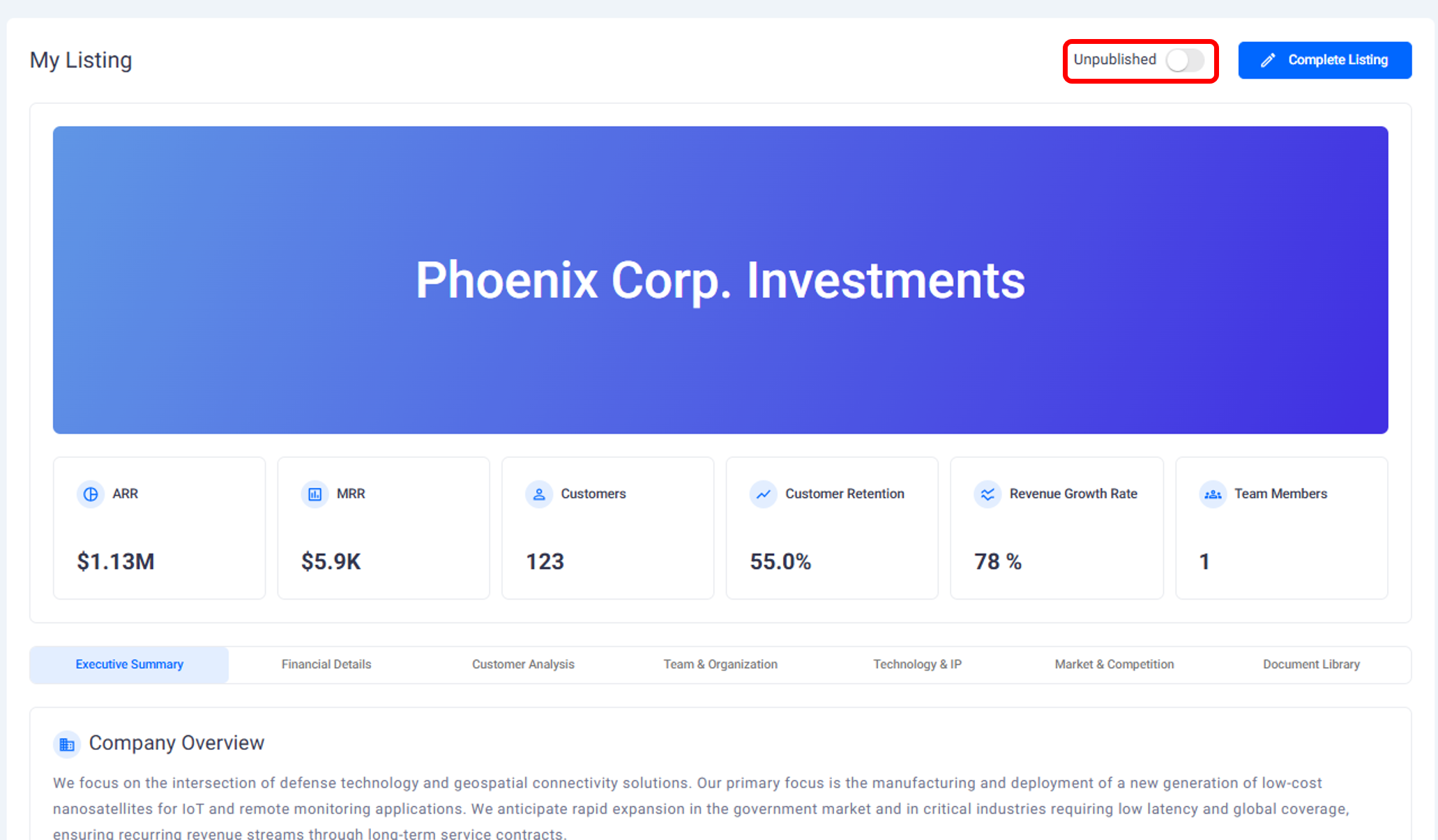
Once your listing is complete, you can publish it to make it available in the M&A marketplace.
When published:
Your business appears in the marketplace in anonymized form
Buyers can discover your listing and request access
You also retain the ability to:
Unpublish your listing at any time
Re-publish it later if you choose
Publishing control always remains with you.
Editing an Active Listing
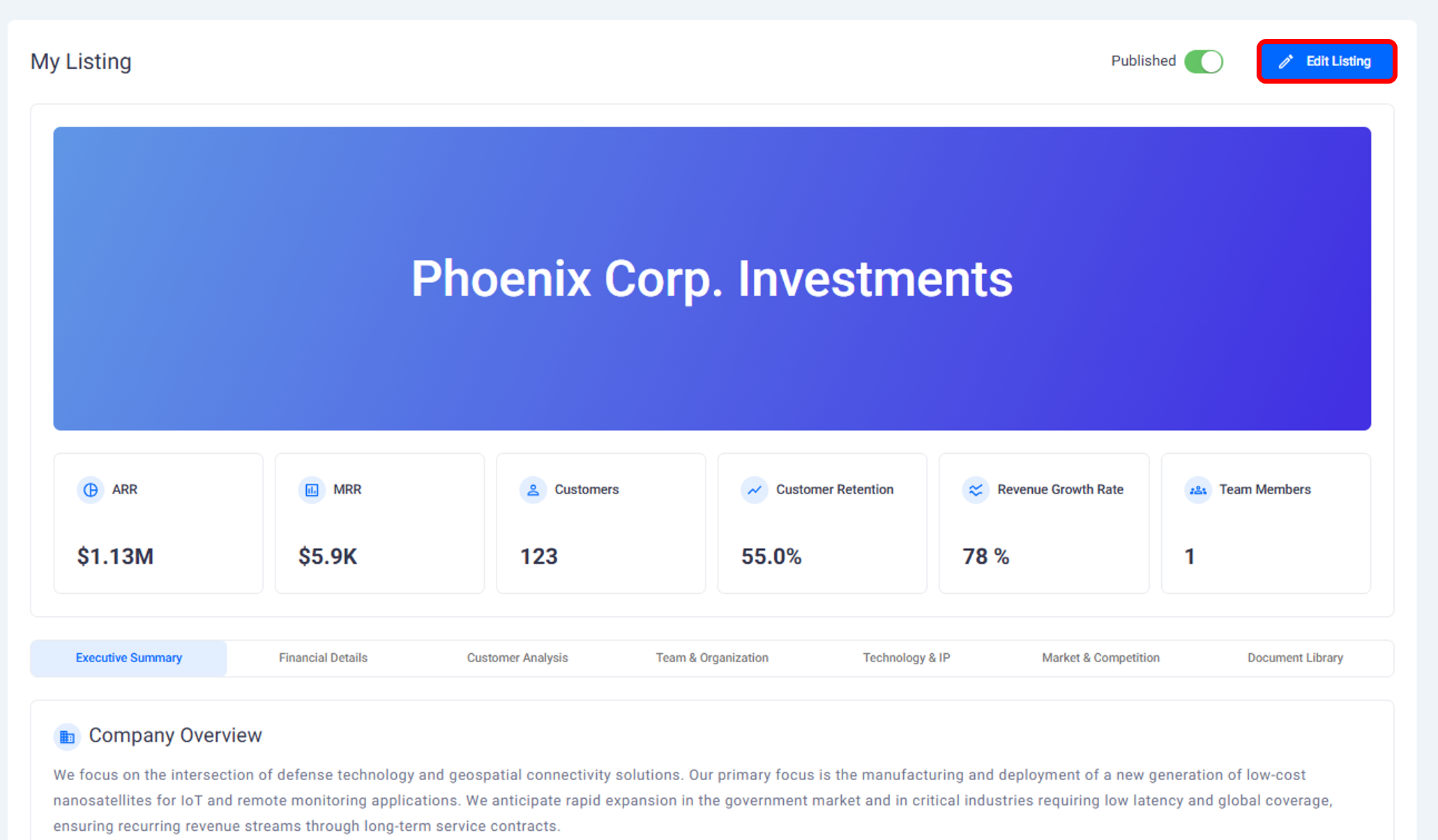
Even after publishing, you can continue to manage your listing.
You can:
Update information
Add or remove documents
Adjust details based on feedback or changes in your business
These updates help keep your listing accurate and relevant as conversations with buyers progress.
How Listings Connect to Deals
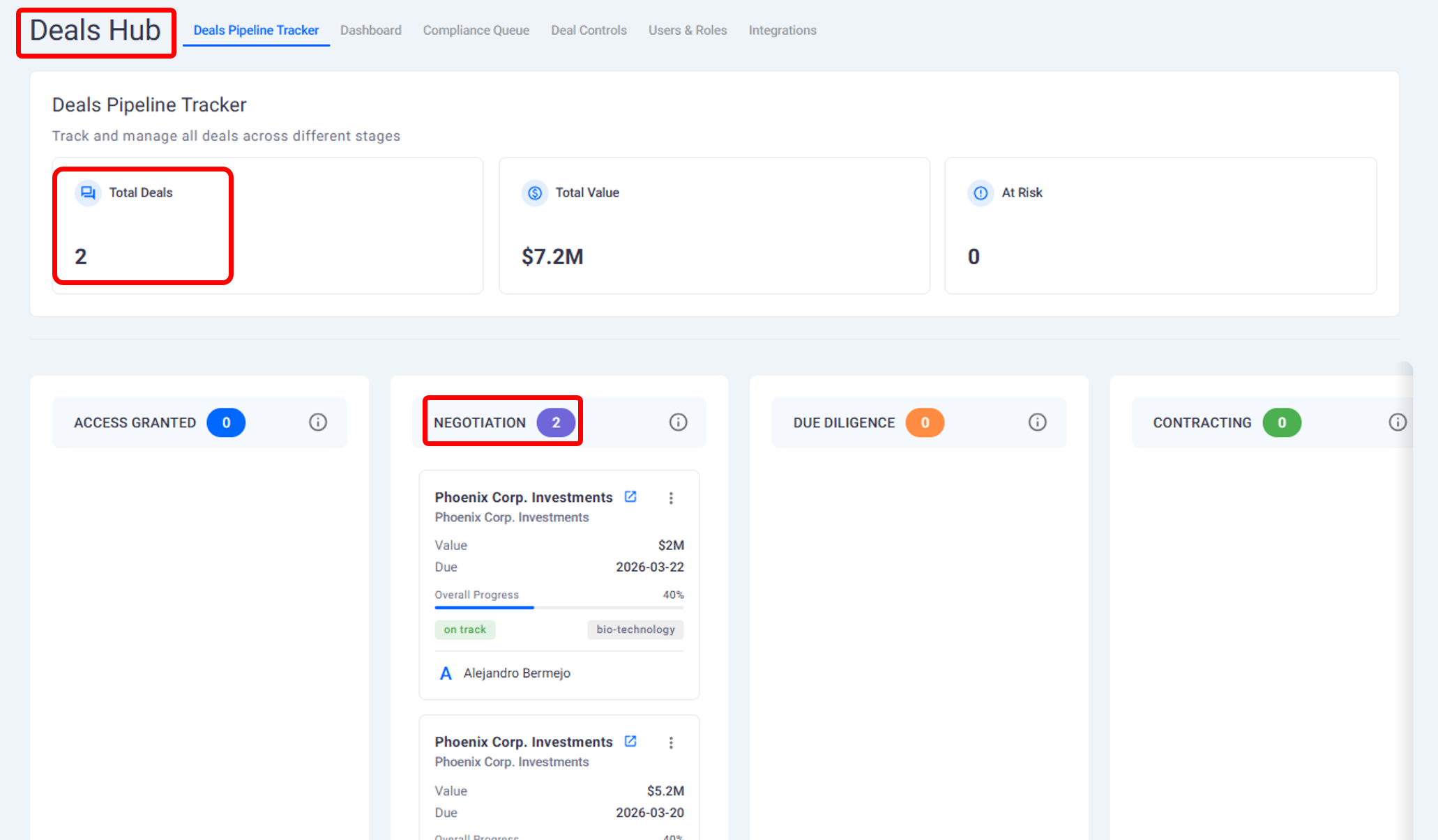
Once a buyer is granted access and submits an offer, your listing becomes part of an active deal.
At that point:
Offers related to your listing are visible to you
All activity tied to a buyer is tracked through the Deal Hub
Listing information remains the reference point for negotiations and due diligence
The listing continues to serve as the core source of truth throughout the deal process.
What This Page Covers and What Comes Next
This page explains:
What a business listing is
What information it includes
How to create, publish, and manage it
The next page explains how founders control confidentiality and manage investor access requests.
Need help?
Contact our support team and get the help you need.

.webp)