
Managing Deals in the Deal Hub

This page explains how buyers track active acquisition conversations, monitor progress, and manage multiple deals using the Deal Hub.
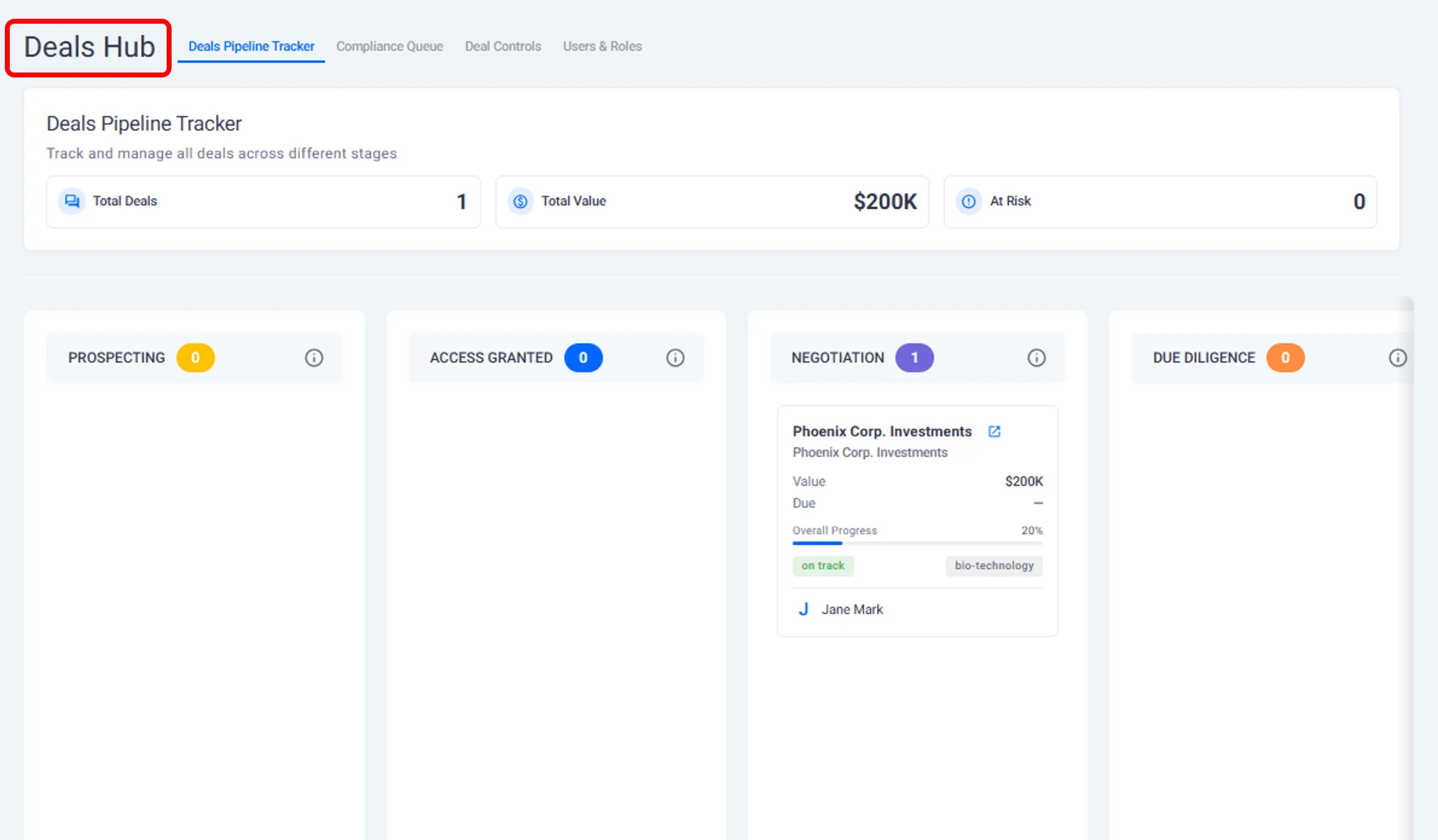
What the Deal Hub Is
The Deal Hub is the central place where all active deals are organized once an offer has been accepted.
Each deal represents a separate conversation with a founder and includes everything related to that acquisition, from offer history to due diligence activity.
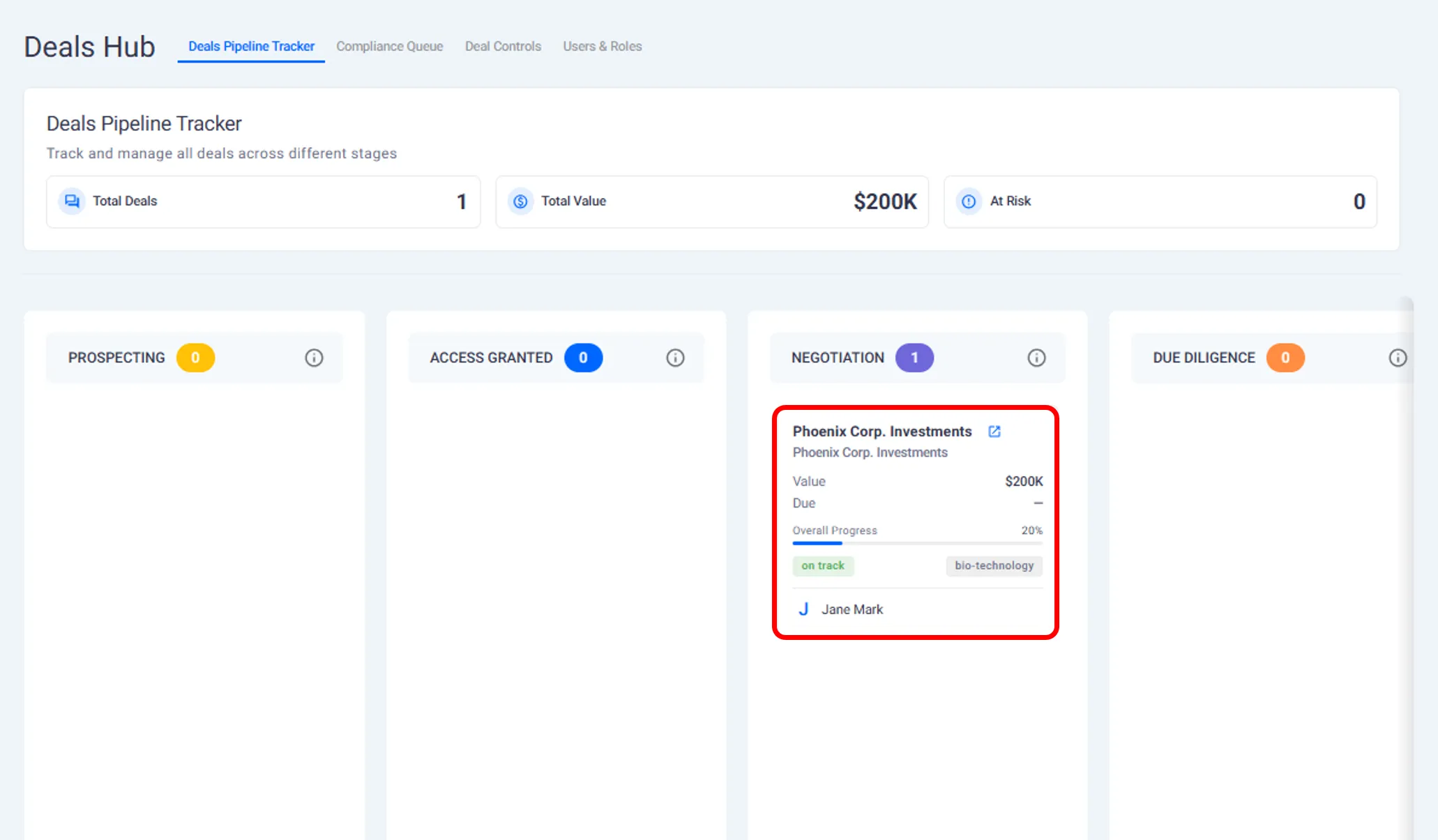
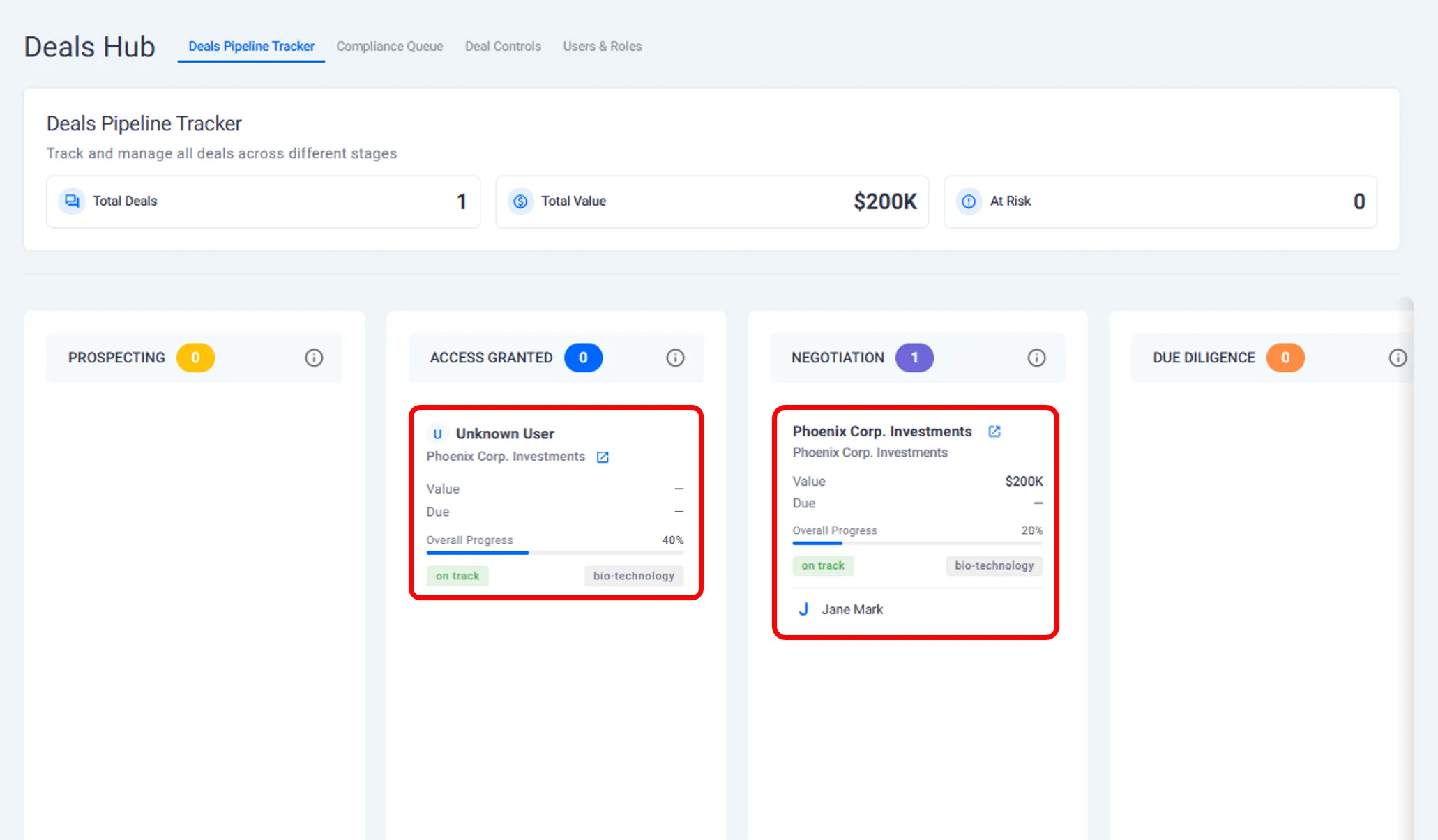
Viewing Your Active Deals
From your buyer account, you can see:
All deals that are currently in progress.
The businesses you are actively engaging with.
The current stage of each deal.
This overview helps you quickly understand where each conversation stands.
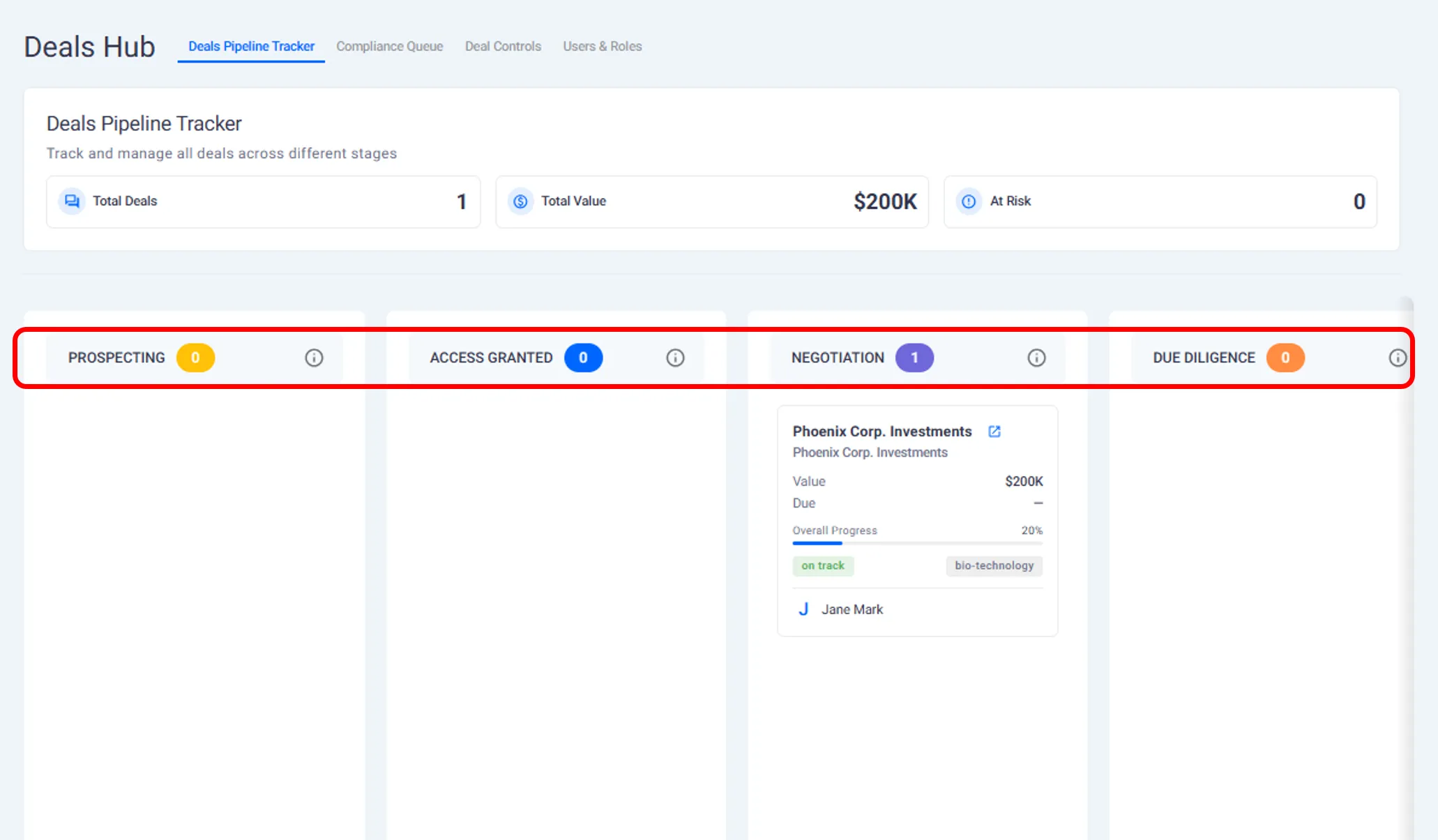
Understanding Deal Stages
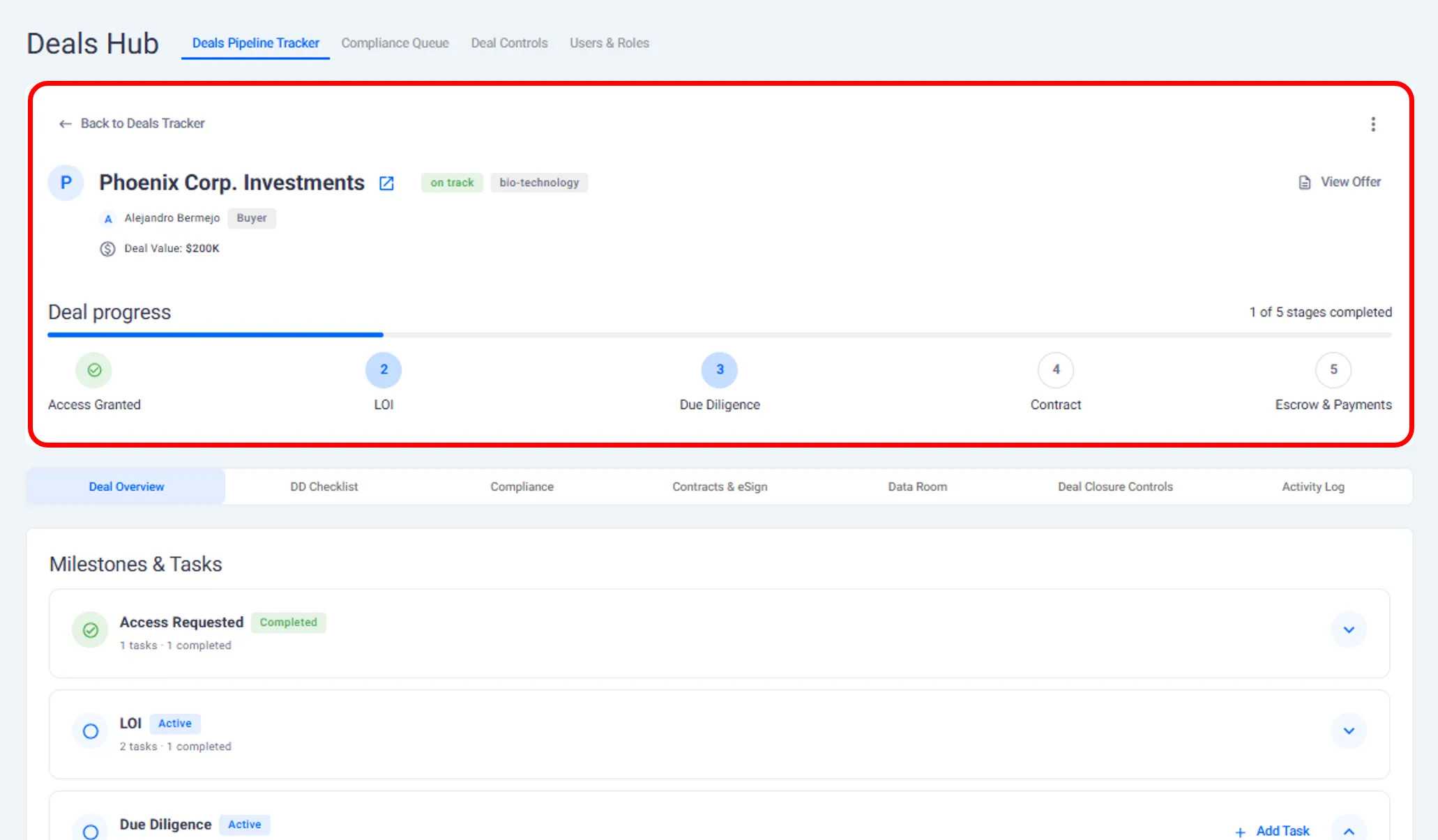
Each deal progresses through defined stages that reflect the status of the acquisition.
Based on the walkthrough, these stages include:
Offer submitted.
Offer accepted.
Due diligence in progress.
The current stage is visible so you know what actions are expected next.
Opening a Deal for Details
When you open a specific deal, you can view:
The business you are engaging with.
The offer terms you submitted.
The current deal status.
A complete history of actions and updates.
This includes offers, comments, and task activity.
Managing Multiple Deals at the Same Time
As a buyer, you may be evaluating more than one opportunity at once.
The Deal Hub allows you to:
Track multiple deals in parallel.
Switch between conversations easily.
Keep documents and tasks separated by deal.
Each deal remains independent, even when timelines overlap.
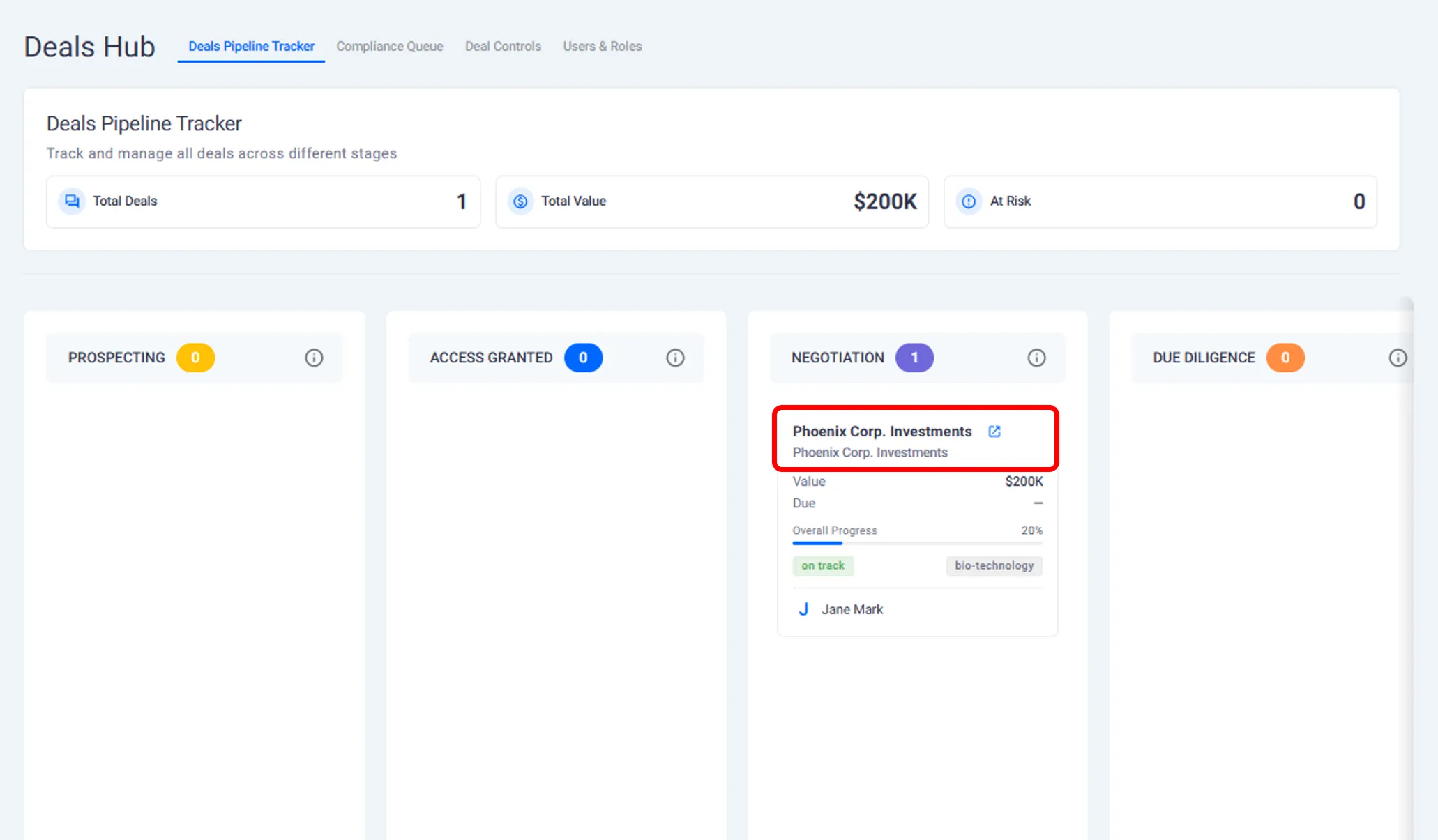
Accessing Listings from Active Deals
From within a deal, you can return to the full business listing.
This allows you to:
Re review company information.
Reference documents during negotiations.
Confirm details while completing due diligence.
Activity History and Visibility
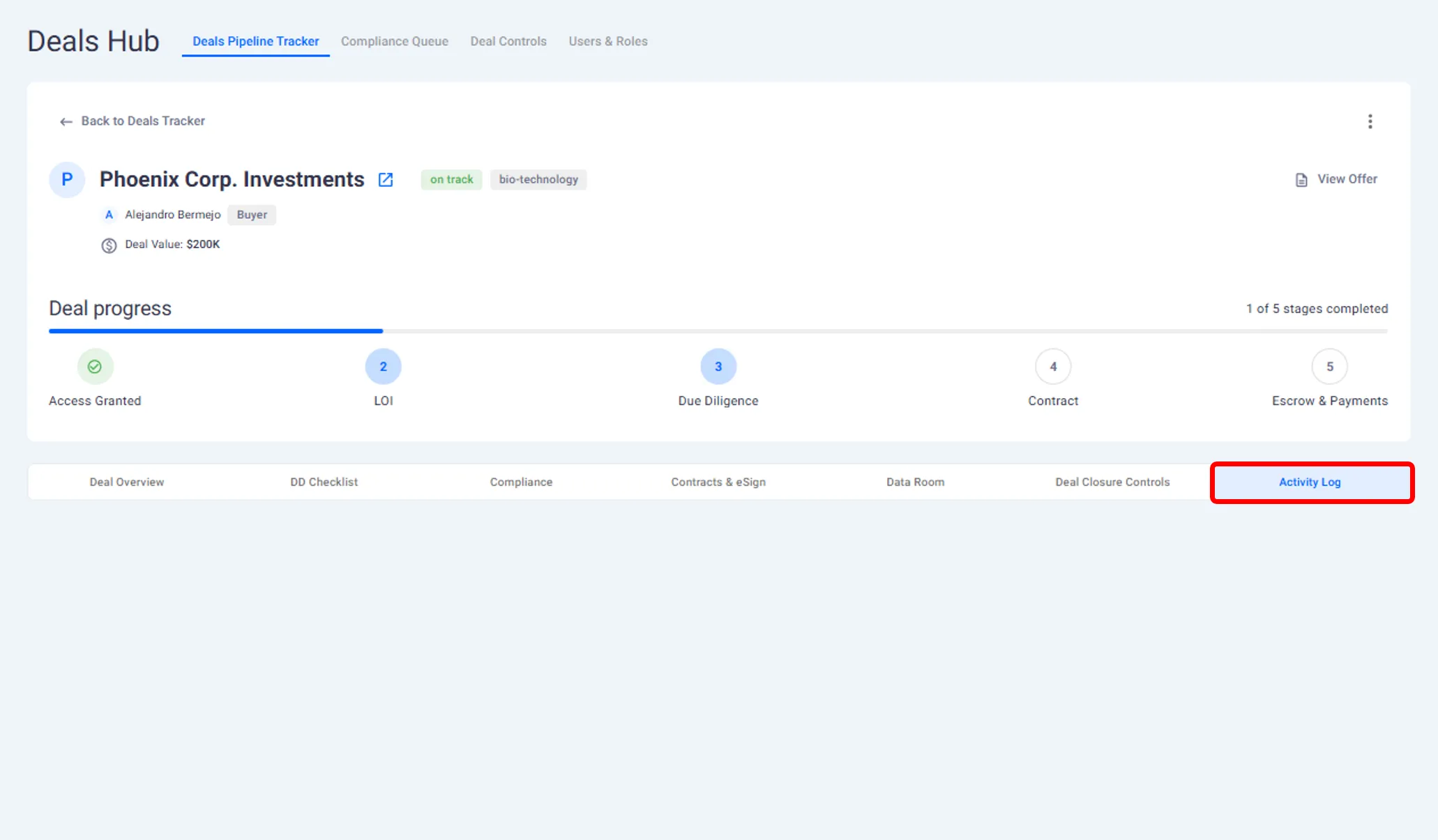
Every action taken within a deal is recorded.
You can see:
When documents were uploaded.
When comments were added.
When tasks were updated.
When offers or counter offers were submitted.
This provides a clear activity trail for each acquisition.
What This Page Covers and What Comes Next
This page explains:
How to use the Deal Hub as a buyer.
How to track and manage active deals.
How to handle multiple conversations.
The next page explains how buyers complete due diligence and collaborate with founders during that stage.
Need help?
Contact our support team and get the help you need.

.webp)